Heatmaps, drawn on your live page
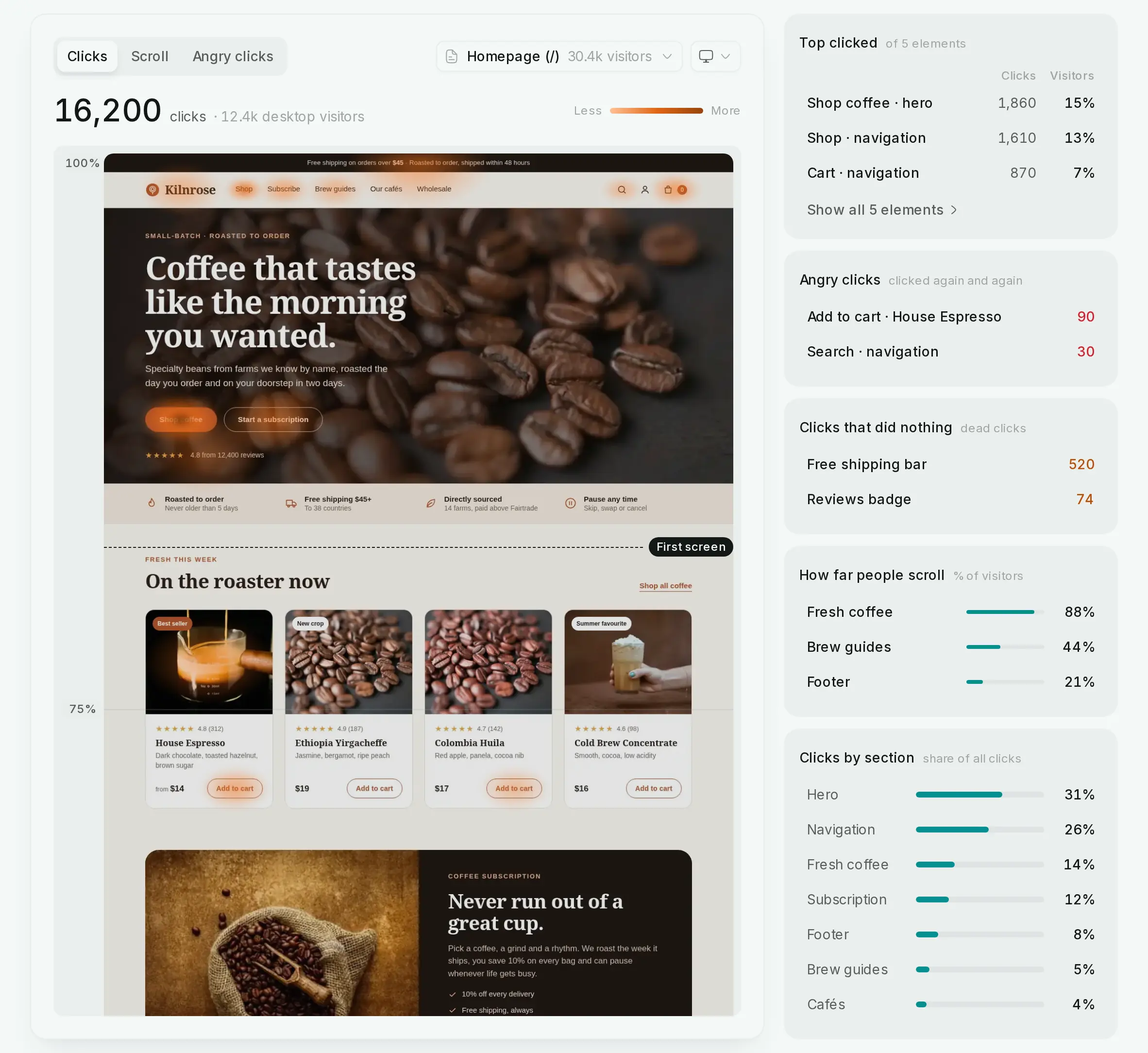
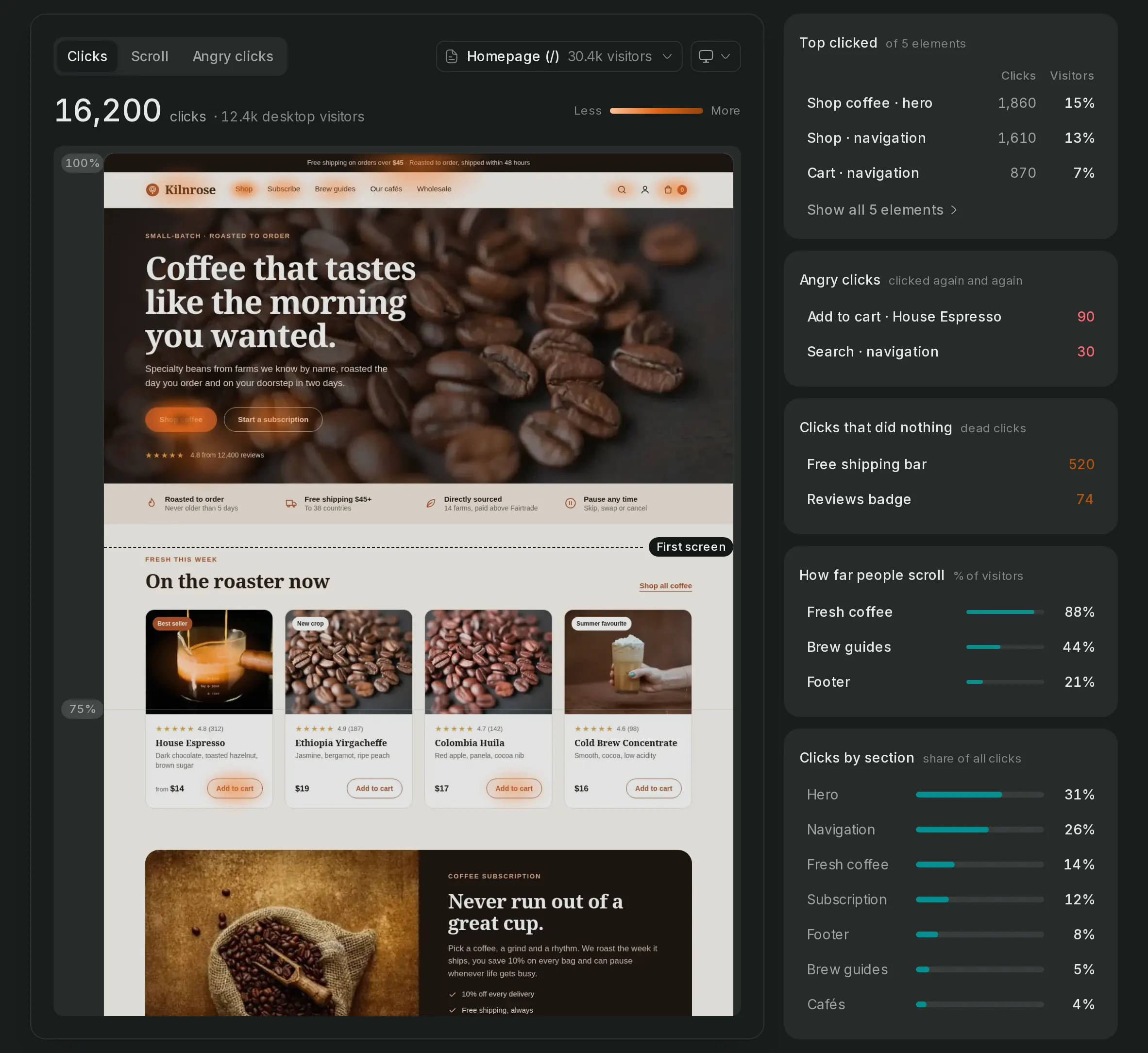
Pick a page and a device, and the heat shows where attention goes: the clicks, how far down people scroll, and the repeated clicks on something that doesn't respond. The heat is drawn over your real, live page.
- Pages mapped
- 6
- Visitors recorded
- 75.6k
Heatmaps, in detail
Clicks, by device
Desktop, tablet and phone apart, so a button that works on one and hides on another shows at a glance.
How far people read
Scroll depth down the page, so you know what the fold really is for your visitors.
Clicks that go nowhere
Repeated clicks and clicks on things that aren't links point at the spots that frustrate people.
On the page as it is today
The heat draws over your live page, not an old screenshot, so a redesign never leaves the map behind.
Set it up in 3 steps
- Step 1
Turn on collection
The install step's snippet has it; an older one needs the attribute.
data-collect="engaged,scroll,clicks"Read the guide - Step 2
Pick a page and device
Every page collects; choose which one to look at.
Read the guide - Step 3
Watch the visits
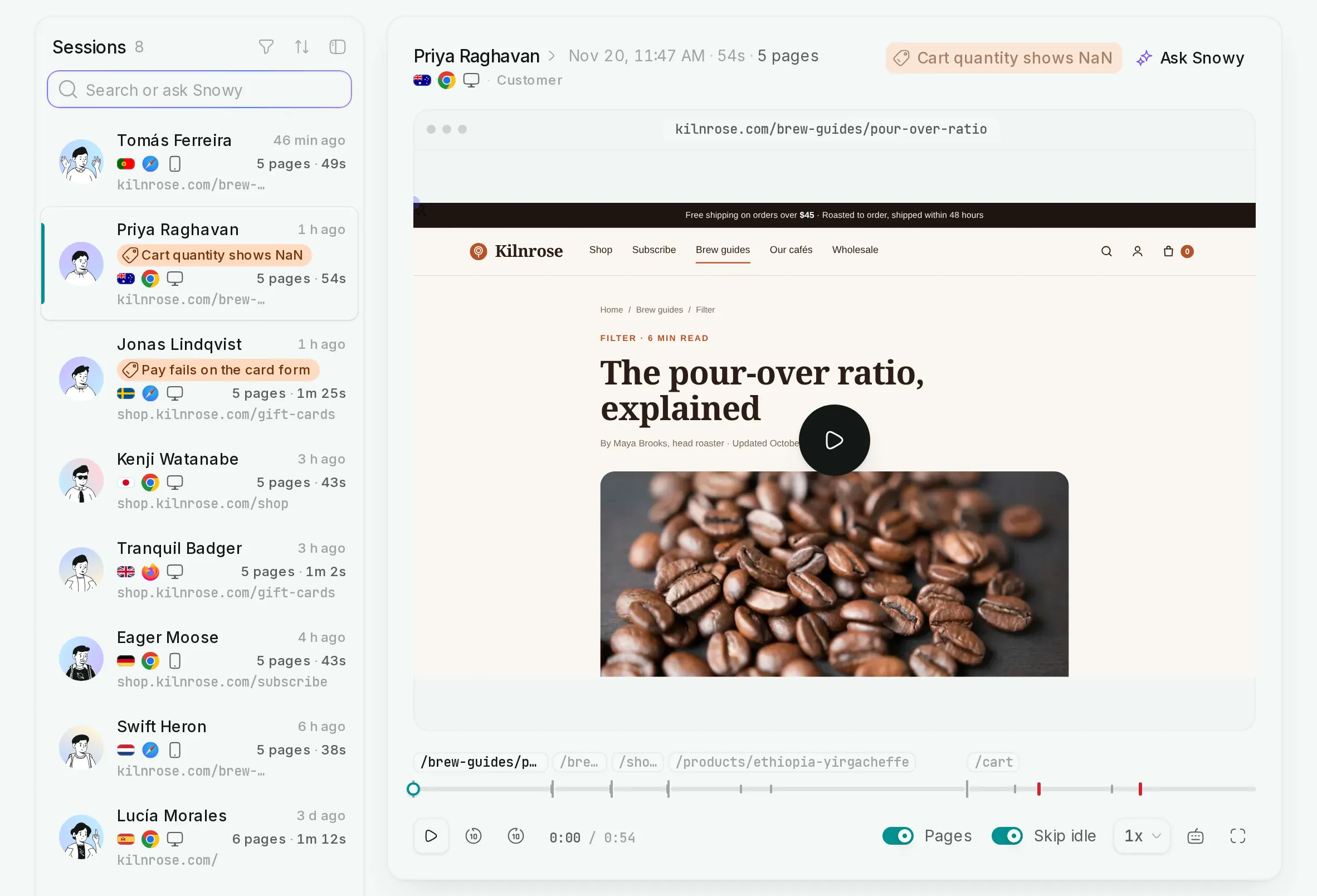
Replays show the clicks in context, with session replay on.
Read the guide
Heatmaps, answered
If yours is not here, ask us.
- 01
Do I need to set up each page?
No. Once the snippet collects clicks and scroll, every page is mapped; you only choose which one to look at.
- 02
Are heatmaps on every plan?
Yes. Click heatmaps and scroll depth are part of Core, the smallest plan.
- 03
What happens when I redesign a page?
Nothing breaks. The heat is drawn over your live page rather than a stored screenshot, so it always matches what visitors see.
See what turns a visit into recurring revenue
Create an account, paste one snippet, and watch the first visitor land.