Session replay, with the sensitive parts left out
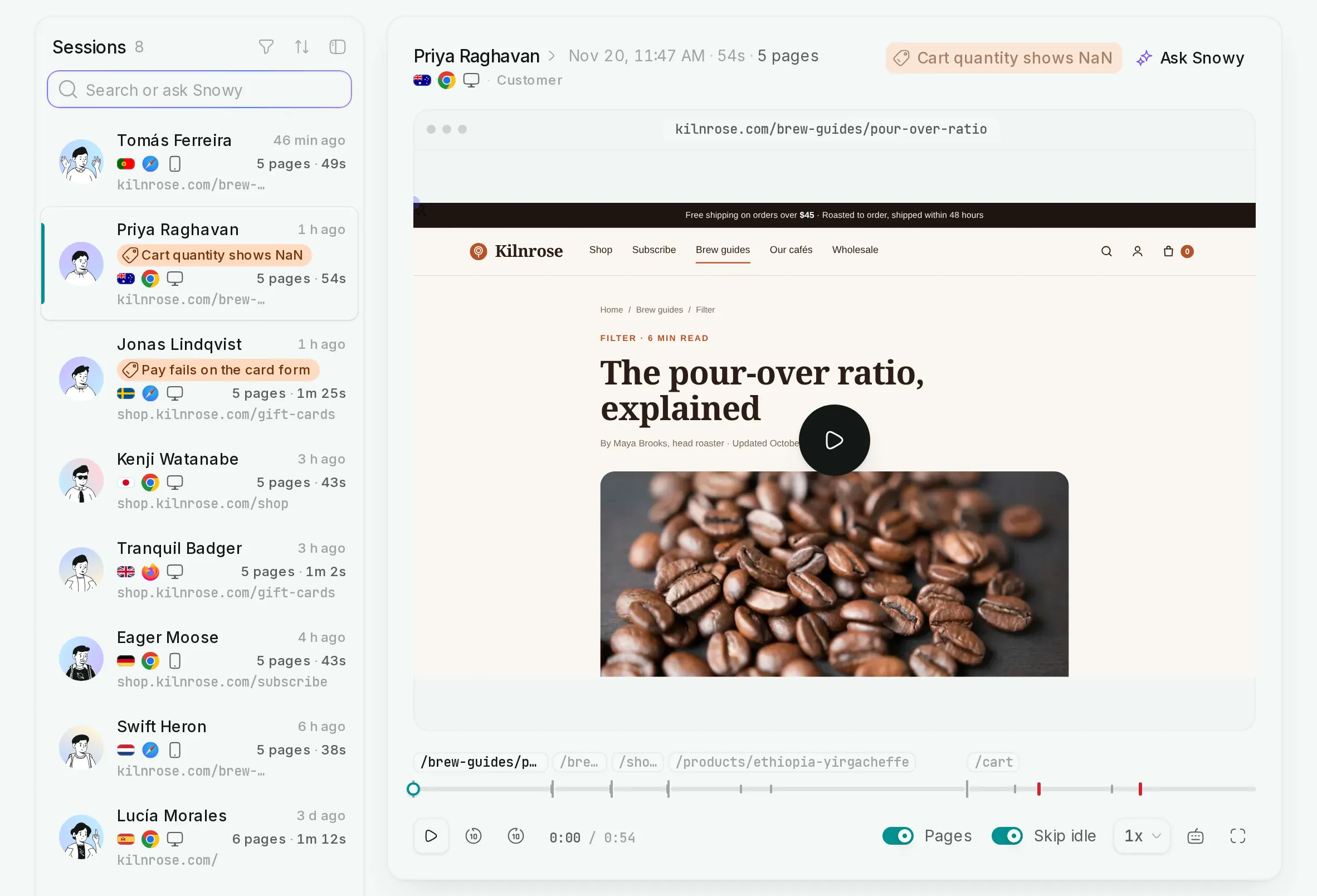
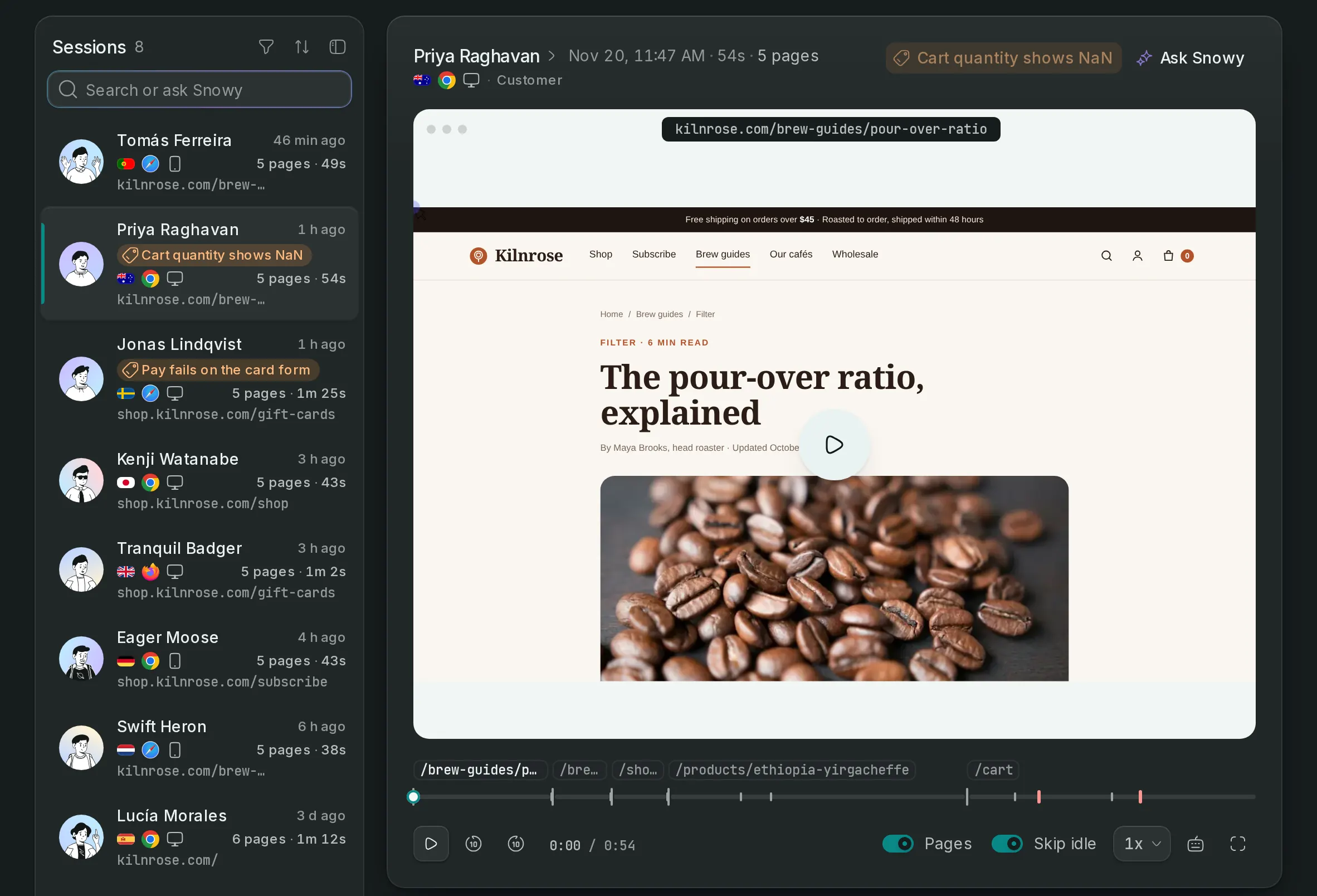
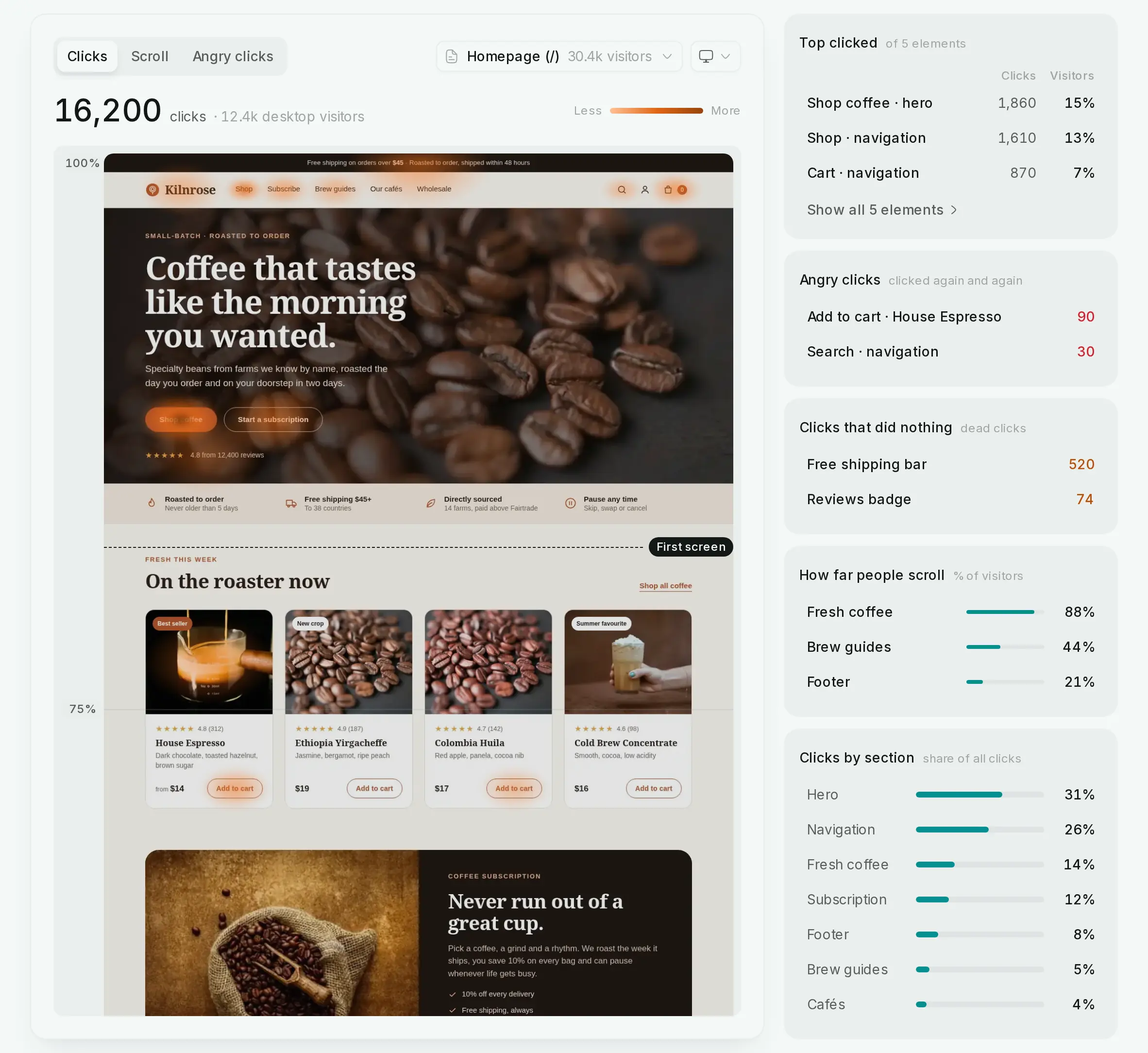
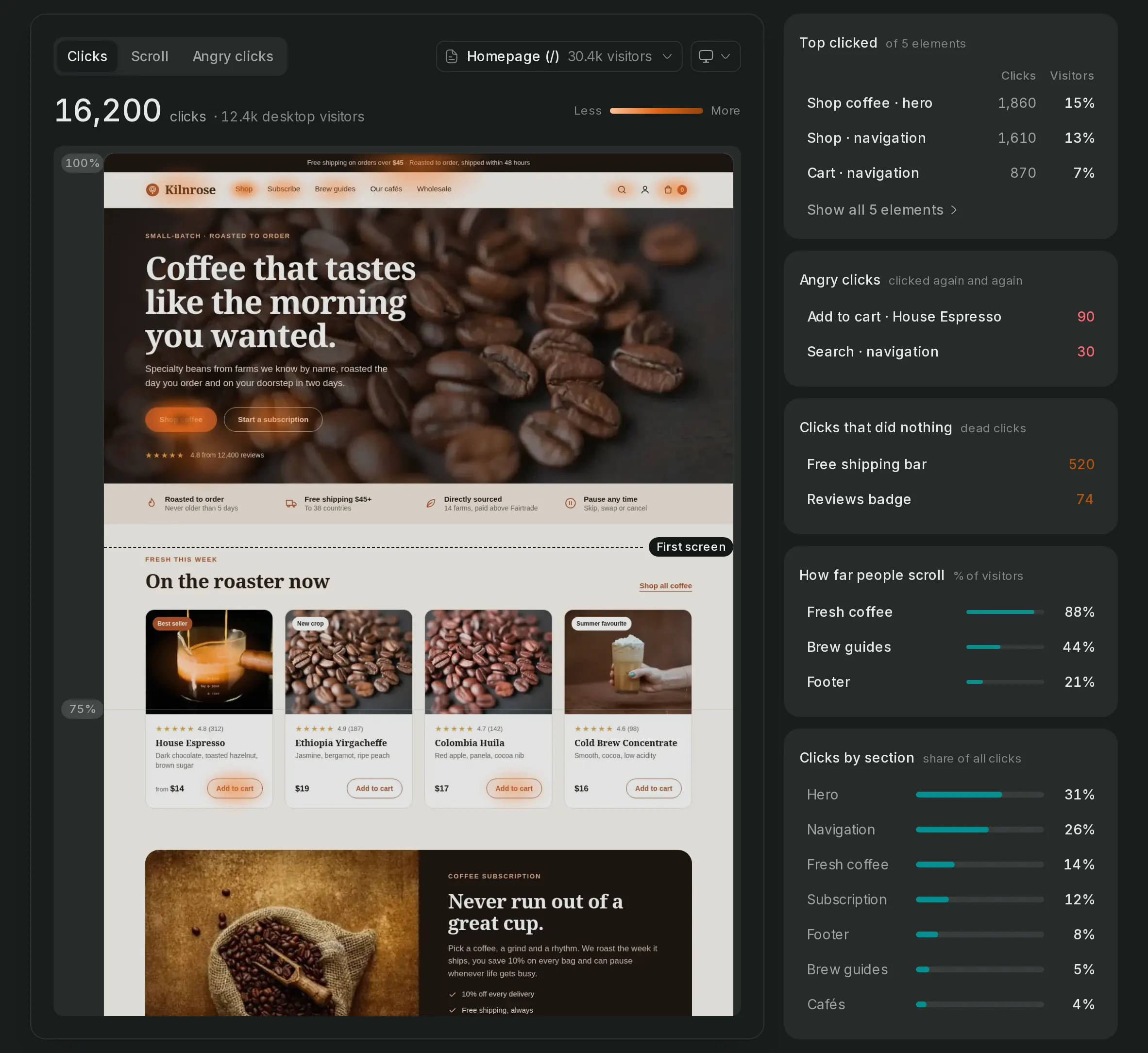
Play a visit back the way the visitor saw it, beside a log of the pages they opened, what they clicked, how far they scrolled, and any goal reached or error raised on the way.
Session replay, in detail
The visit and its log
Pages, clicks, scrolls and form use in order, with the goals reached and errors raised on the way.
Private by default
Every input is masked, passwords are never recorded, and emails, card numbers, phone numbers and IBANs are starred out before anything leaves the browser.
Your own markers work
Mask or block any element with data-snow-mask and data-snow-block; markers from Sentry, PostHog, FullStory and Hotjar count too.
Record a share
Record every visit, or a percentage of them. Pages that aren't recorded never load the recorder.
Set it up in 3 steps
- Step 1
Turn recording on
One attribute; a number records that share of visits.
data-record="25"Read the guide - Step 2
Mark anything private
Mask text or leave whole elements out of the recording.
<div data-snow-block>Read the guide - Step 3
Open a replay anywhere
From a visitor, an error or a note someone sent.
Read the guide
Session replay, answered
If yours is not here, ask us.
- 01
What does the recorder never capture?
What people type: every input is masked and password fields are never recorded. Emails, card numbers, phone numbers and IBANs in the page's text are starred out before anything leaves the browser.
- 02
How long are recordings kept?
At least 30 days, and longer while your workspace's storage has room. A recording you tag is kept until its last tag is removed.
- 03
Which plans include session replay?
Growth and Scale. Storage for recordings grows with your plan's traffic allowance.
See what turns a visit into recurring revenue
Create an account, paste one snippet, and watch the first visitor land.