Every visitor, as a person
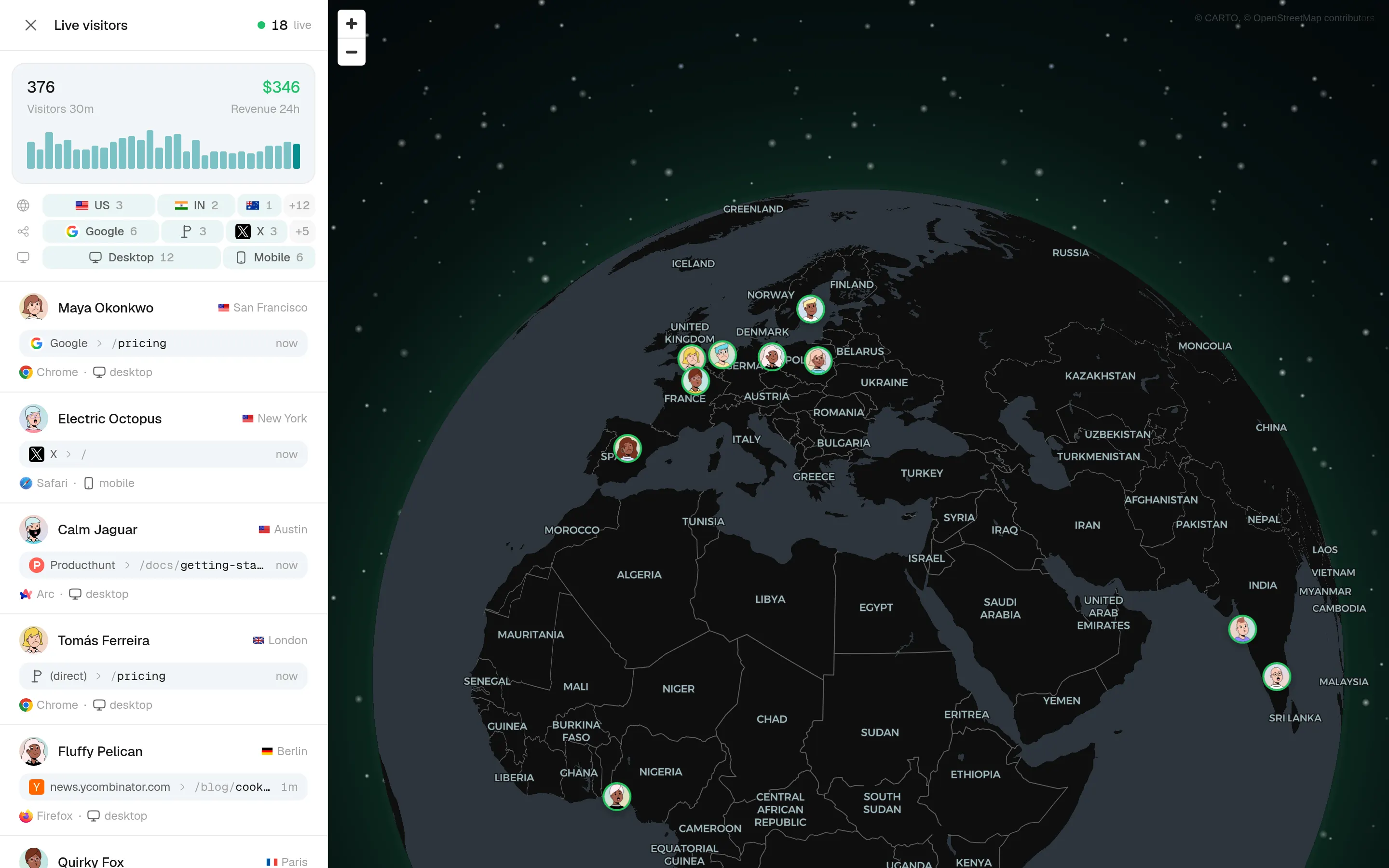
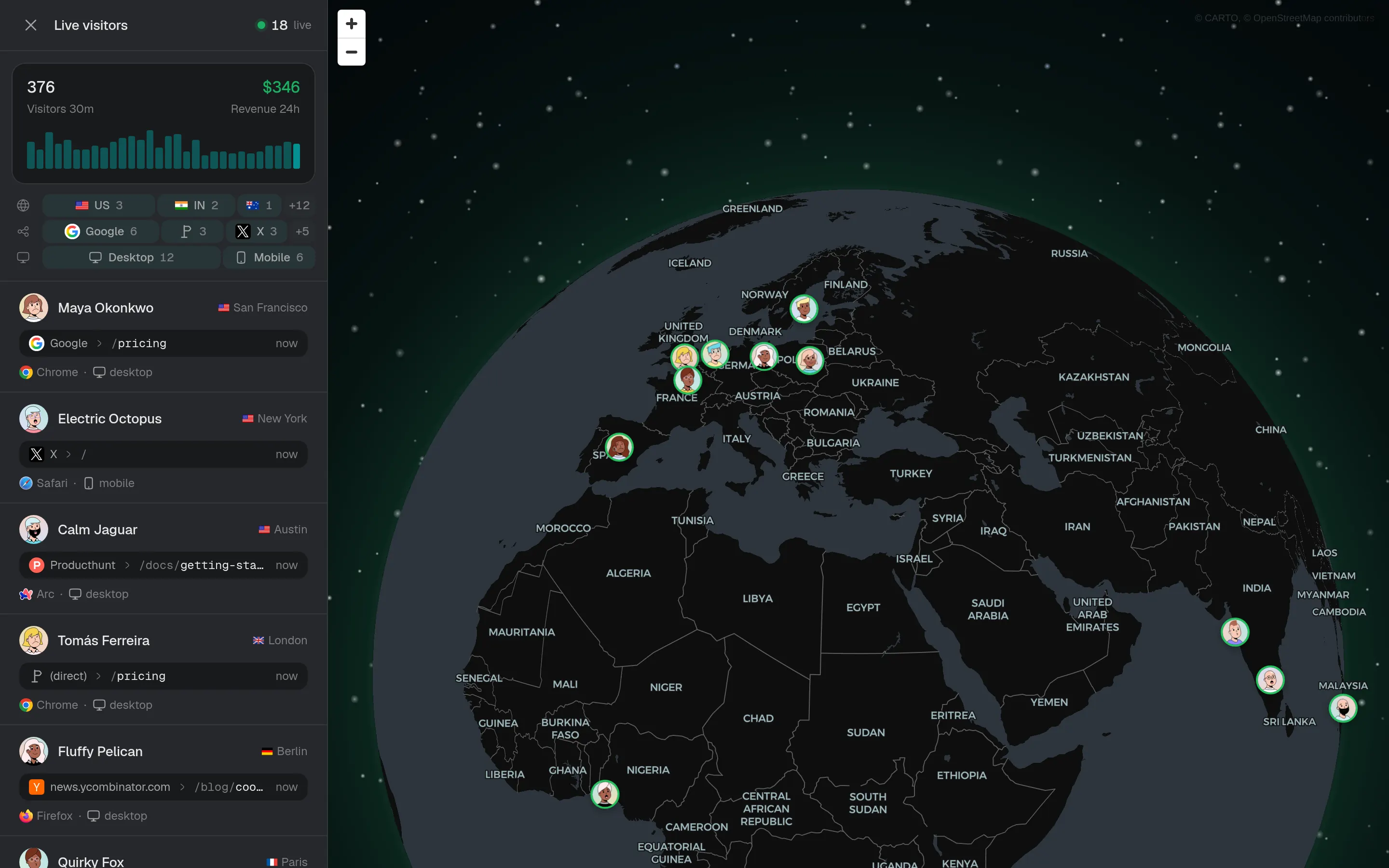
Anonymous until they sign up or pay, then a name, a country and every visit that led to the purchase. Search and filter everyone, see who is online now, and open anyone for their whole history.
- People
- 37.7k
- Customers
- 459
- Online now
- 18
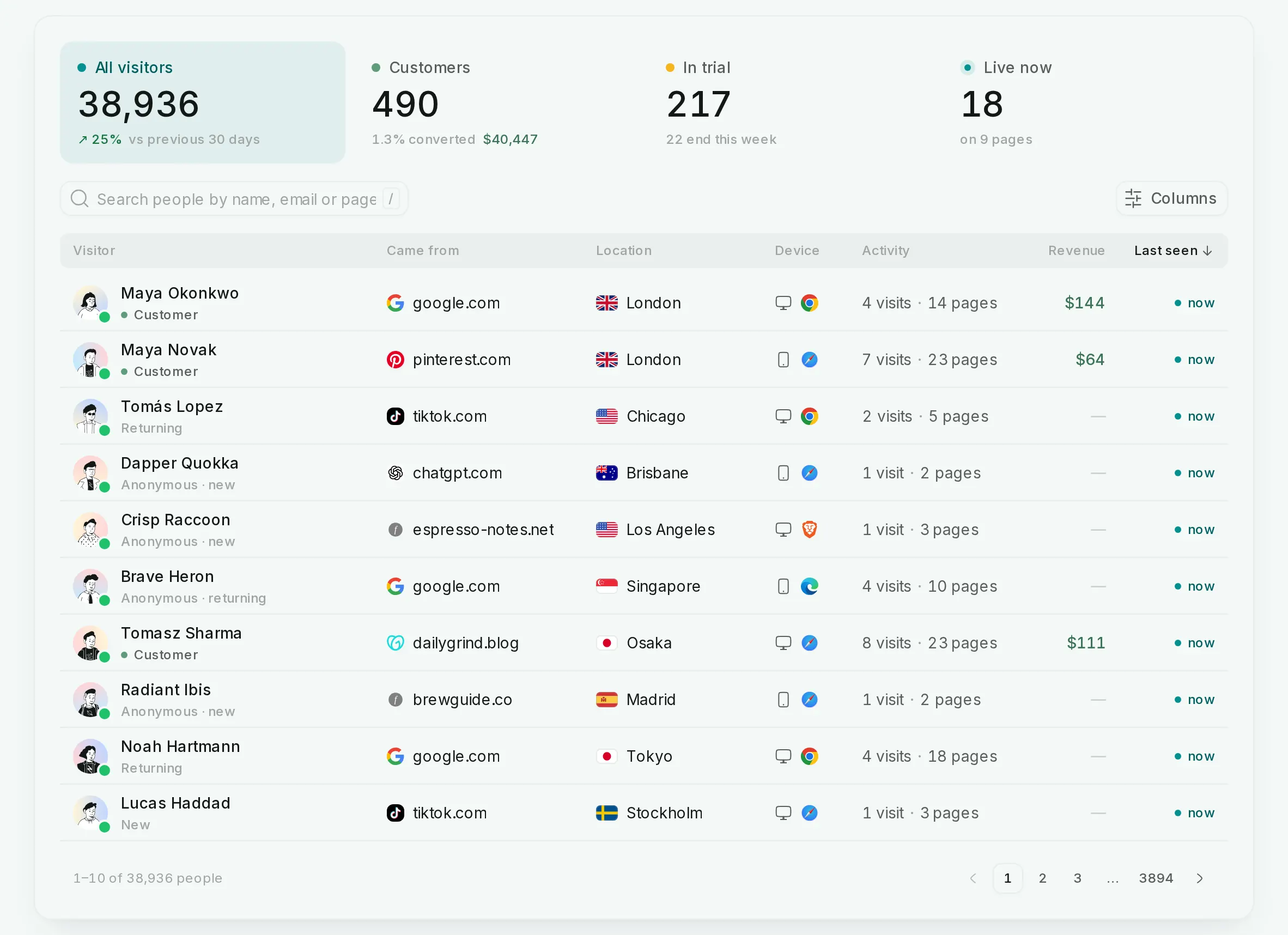
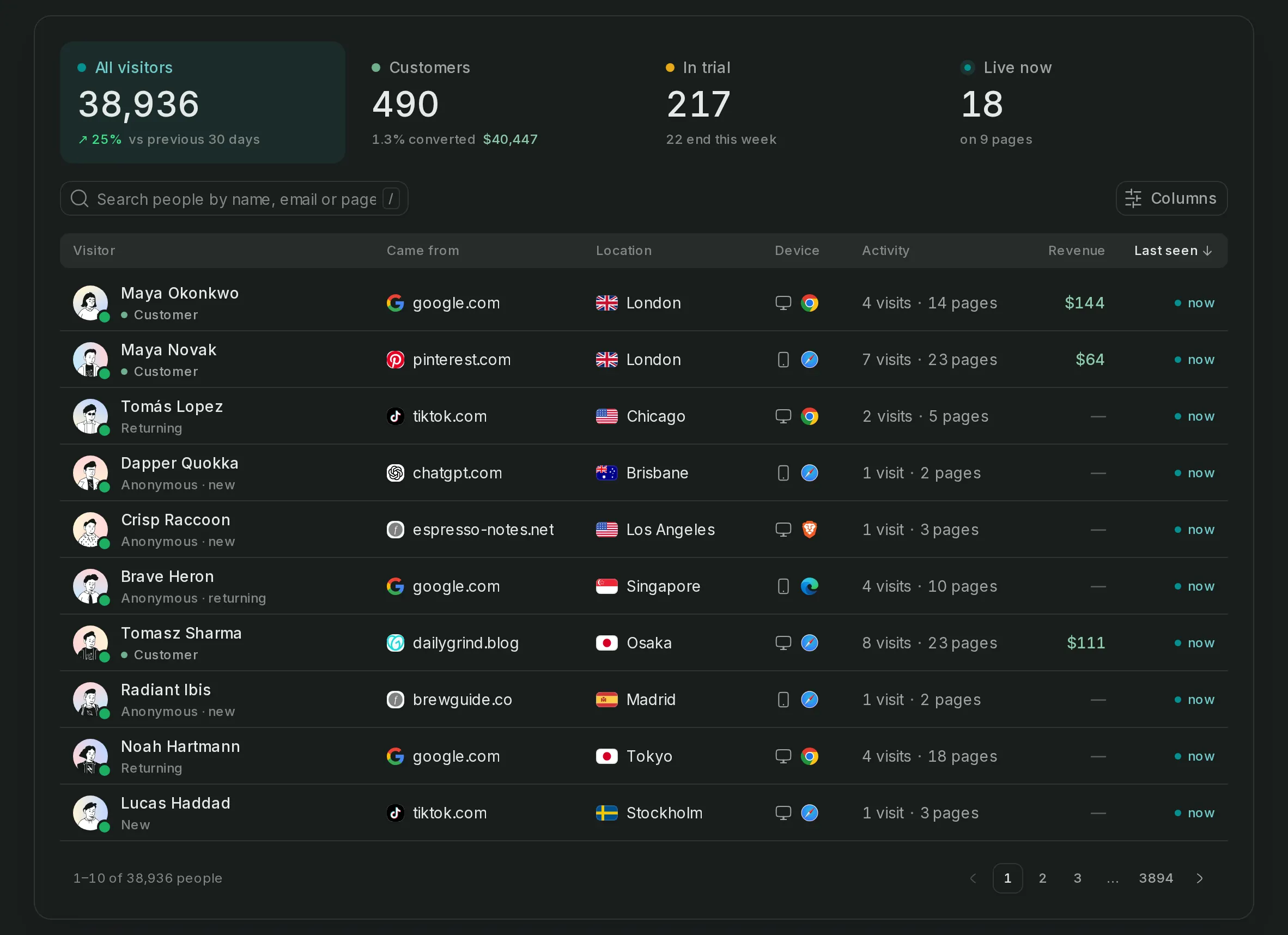
Visitor profiles, in detail
One list of everyone
Search, filter and sort every visitor by source, country, device, visits or revenue, and see who's a customer.
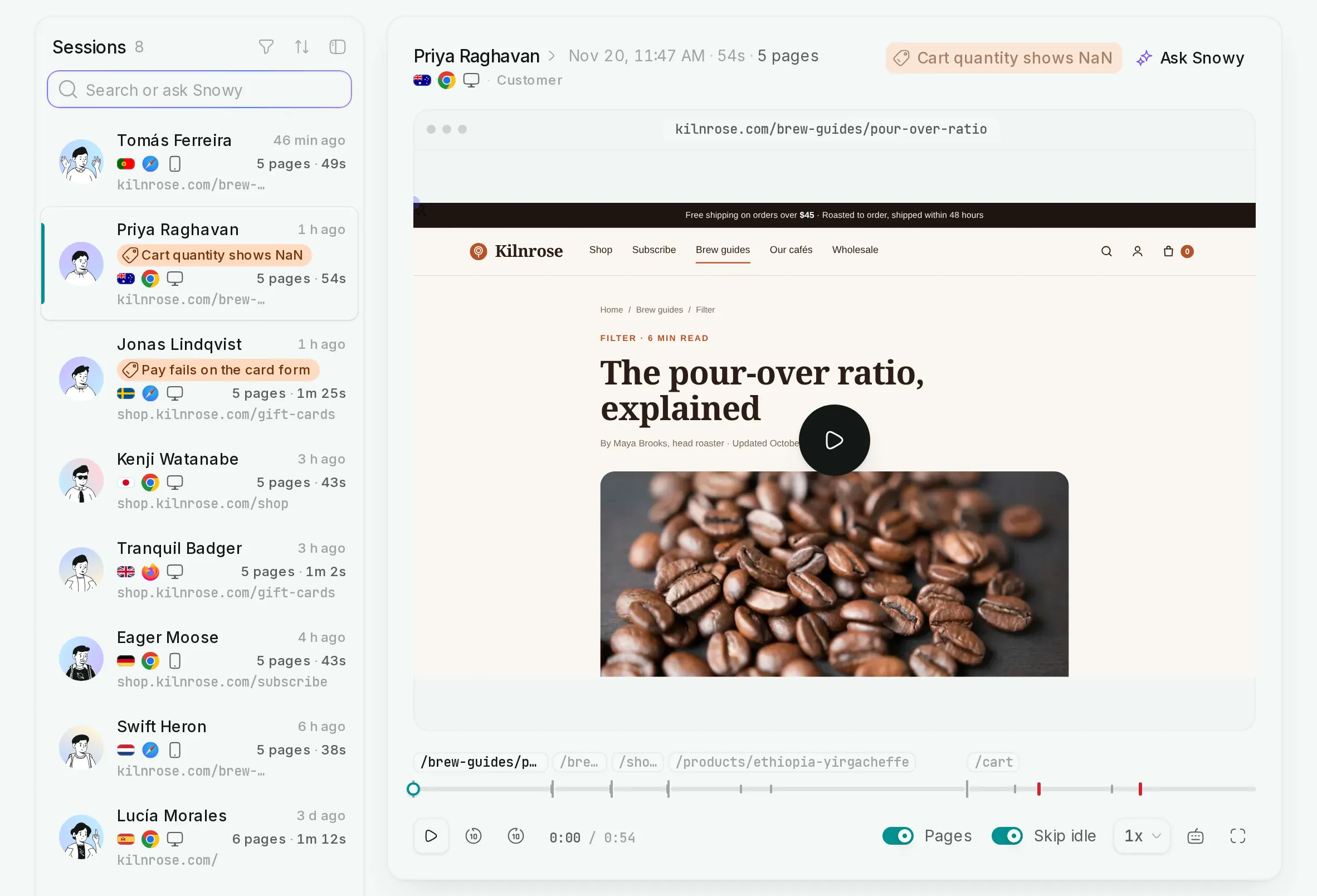
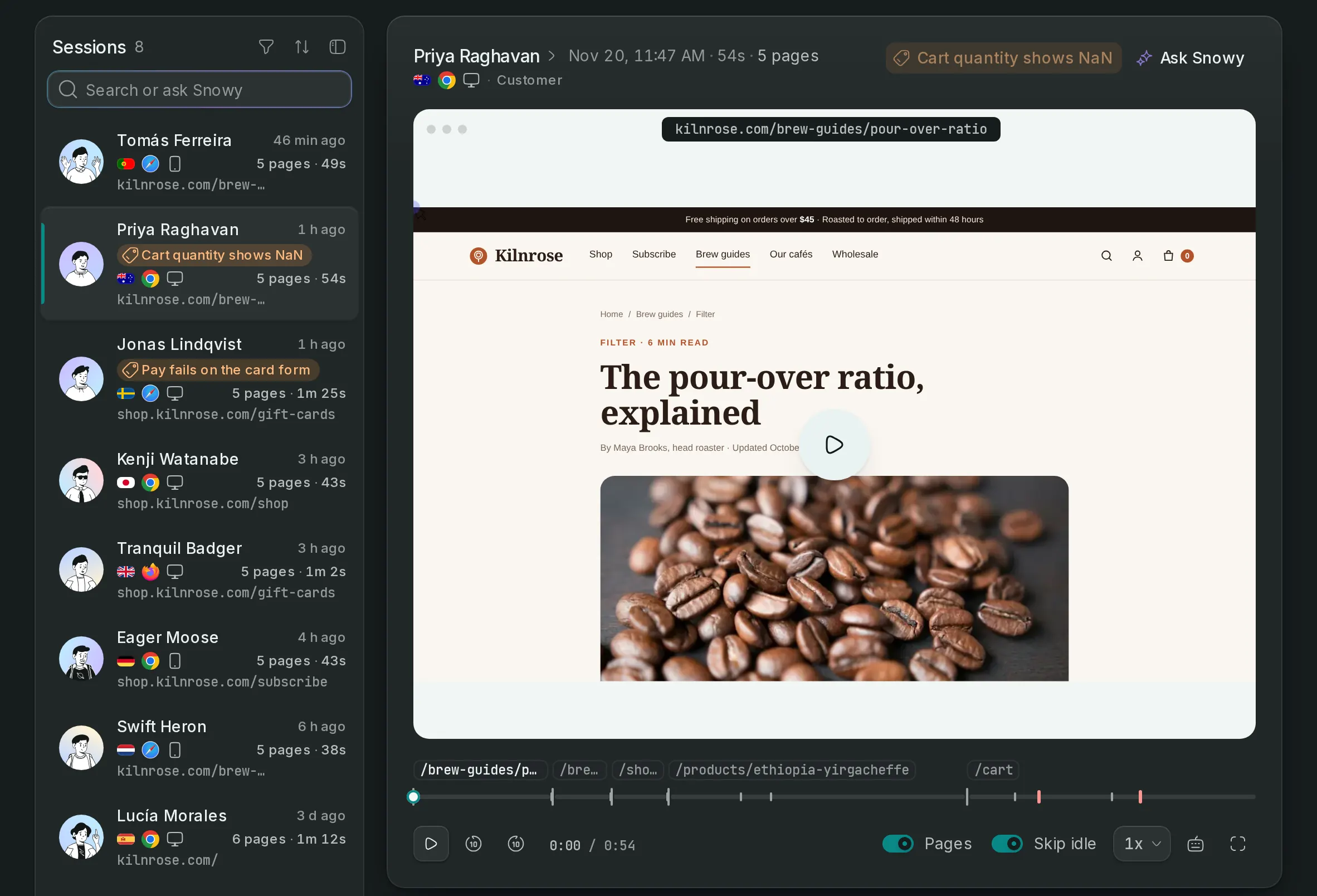
A profile per person
First source, every visit and page, the events they triggered and the payments they made, in order.
Identify from the browser or server
Call sa.identify() after sign-in, or link a user and their Stripe customer from your server with the Identify API.
One person across browsers
A signed-in person's phone and laptop become one row, so a journey that started on mobile and paid on desktop reads as one.
Set it up in 3 steps
- Step 1
Install the snippet
Visitors appear as they arrive, anonymous until you know who they are.
Read the guide - Step 2
Identify signed-in users
A user ID, and if you like an email, a name and traits such as plan.
sa.identify(user.id, { email })Read the guide - Step 3
Connect payments
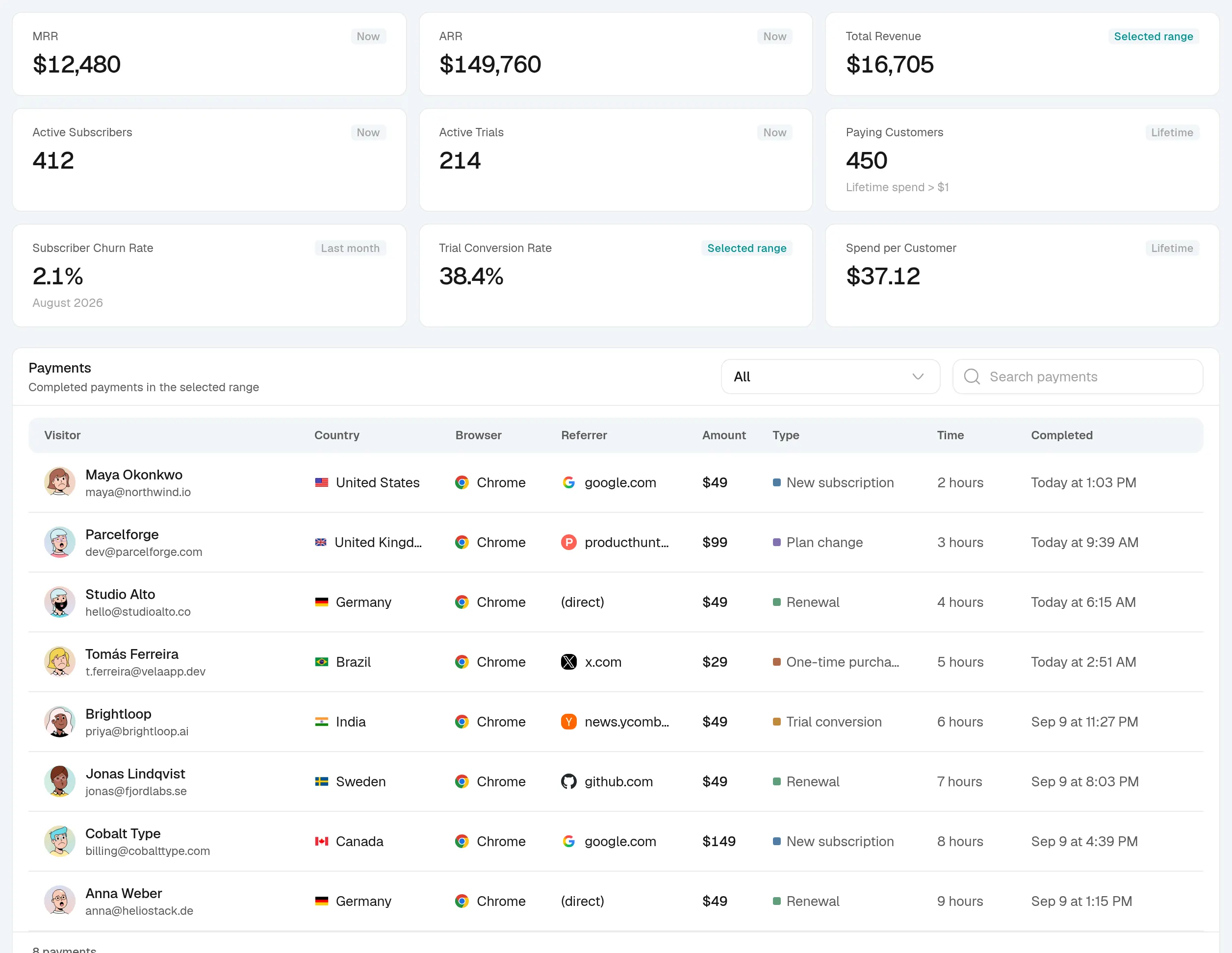
Customers get their revenue and plan on their profile.
Read the guide
Visitor profiles, answered
If yours is not here, ask us.
- 01
What does identify send?
A user ID and, if you choose, an email, a name and traits such as the plan someone is on. Nothing is sent until your code calls it, and anonymous visitors stay anonymous.
- 02
Can I see what a customer did before they paid?
Yes. A profile lists every visit, source and page before the first payment, so the channel that started the journey shows next to the one that closed it.
- 03
Can I identify users from my backend?
Yes. POST to the Identify API with a server key to attach a user to a visitor, and optionally link their Stripe customer for revenue attribution.
See what turns a visit into recurring revenue
Create an account, paste one snippet, and watch the first visitor land.