Cookieless web analytics, with the revenue on the same page
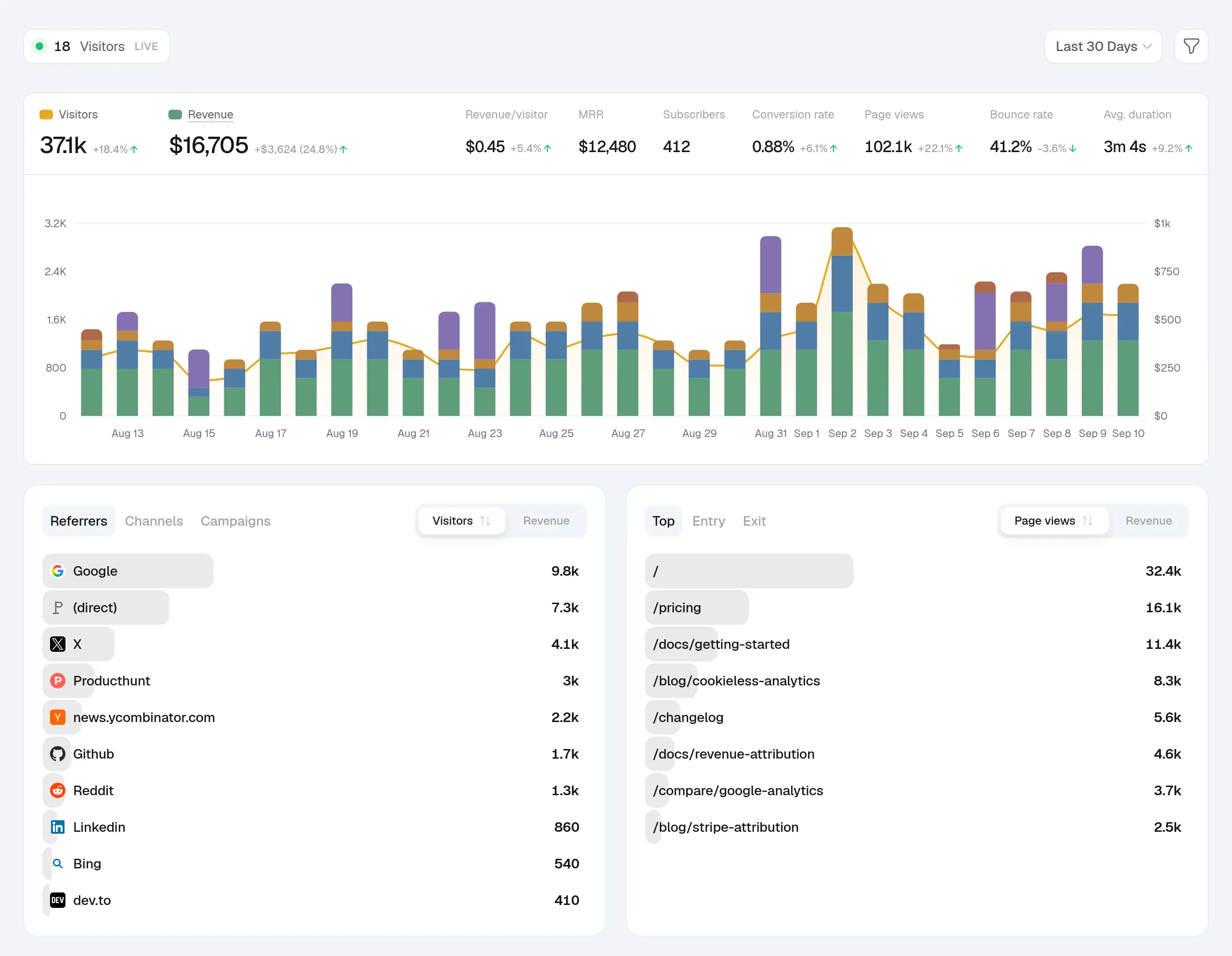
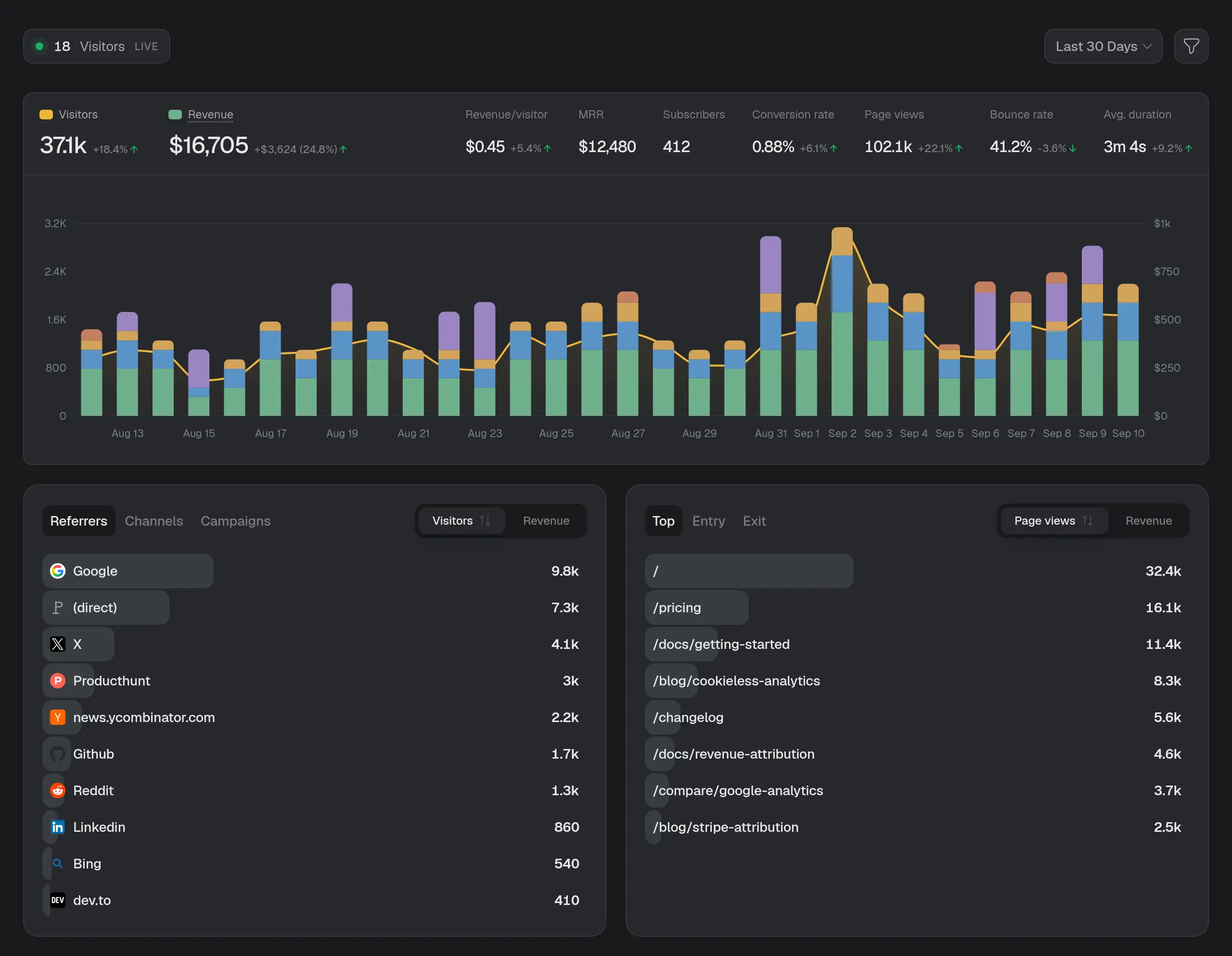
New sites start cookieless: visitors are counted with a daily-rotating, salted hash, so nothing is stored on their device and basic analytics needs no consent banner. Sources, pages, countries and devices sit on one page, beside the revenue they brought.
Web analytics, in detail
No cookies, no banner
Cookieless mode keeps nothing on the visitor's device: no cookies and no local storage. The ID is a salted hash that resets every 24 hours and can't be turned back into a person.
Every source, ranked by revenue
Referrers, six channels and your UTM campaigns, ranked by visitors or, once a payment provider is connected, by the revenue each one brought.
Pages that hold attention
Top, entry and exit pages, with time on page, scroll depth, bounce and a read score for every page.
Countries, cities and devices
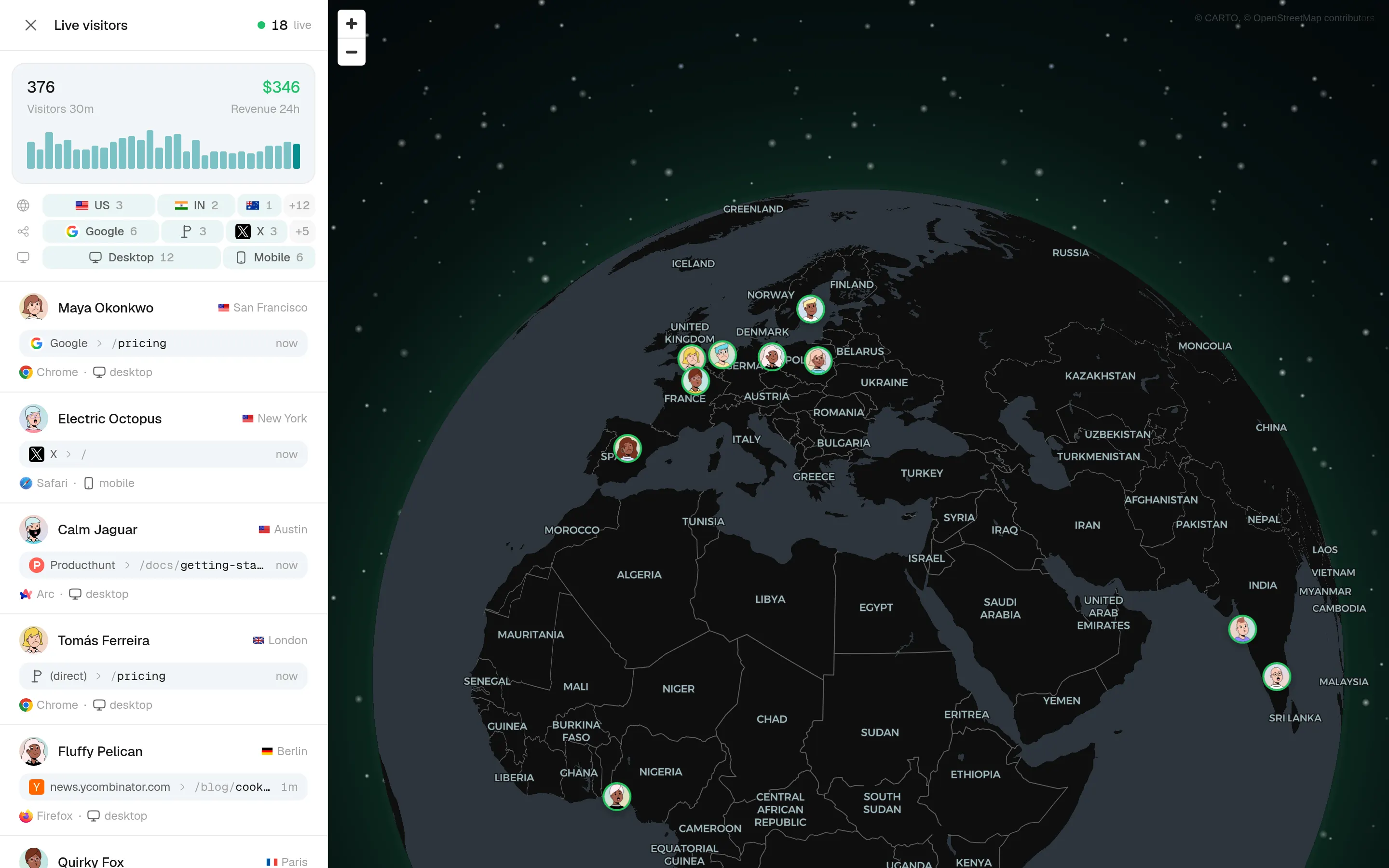
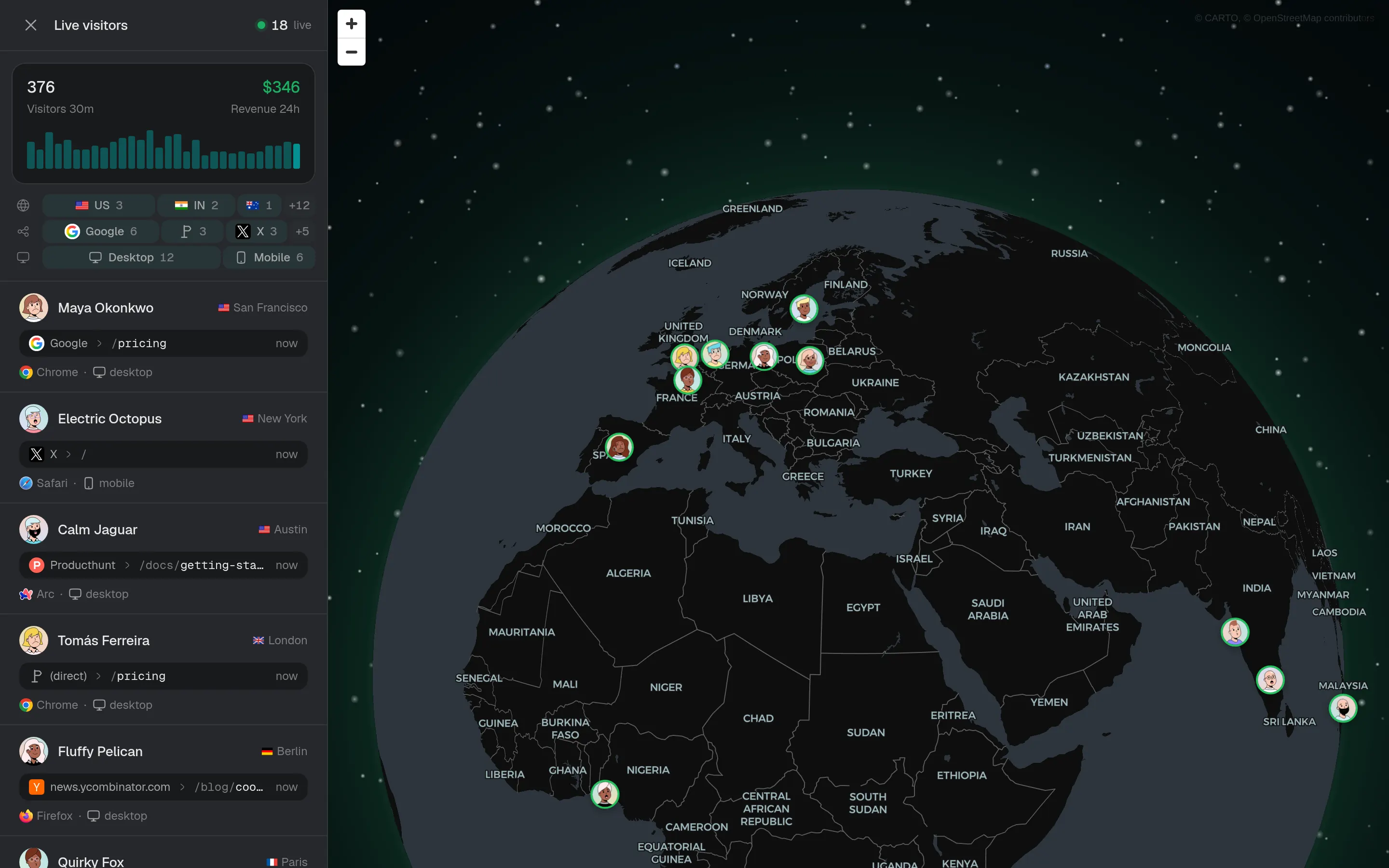
A world map down to the city, plus the browsers, operating systems and device types people use.
Your history comes with you
Import past stats from Google Analytics, Plausible or DataFast, so the charts reach back before the day you switched.
Counts ad blockers can't hide
Serve the script and its endpoint from your own domain with one rewrite, and requests ad blockers would drop become first-party.
Set it up in 3 steps
- Step 1
Add one snippet
Paste it into your site's head, or use the package for Next.js, Astro, Nuxt, SvelteKit or Vite.
npx @kapybara/snowanalytics initRead the guide - Step 2
Pick a privacy mode
Cookieless is the default. Attribution mode adds returning visitors and revenue across days, with a first-party cookie.
Read the guide - Step 3
Bring your history
Import Google Analytics, Plausible or DataFast stats so nothing starts from zero.
Read the guide
Web analytics, answered
If yours is not here, ask us.
- 01
Do I need a cookie banner for SnowAnalytics?
Not for standard analytics. Every site starts cookieless: visitors are counted with a daily-rotating, salted hash instead of a stored identifier, so there's nothing on the device to consent to. Attribution mode, which follows a customer across days, does store a first-party ID, and you switch it on per site.
- 02
What does cookieless mode give up?
Recognising a returning visitor on another day, and tying a payment to a visit from an earlier day. Both need attribution mode. Everything else, from sources and pages to funnels and heatmaps, works the same in either mode.
- 03
Can I import my Google Analytics data?
Yes. Import your past stats from Google Analytics, Plausible or DataFast, and the charts reach back before SnowAnalytics was installed.
- 04
Does SnowAnalytics sample data?
No. Every page view and event is counted, and every report reads all of them at any date range.
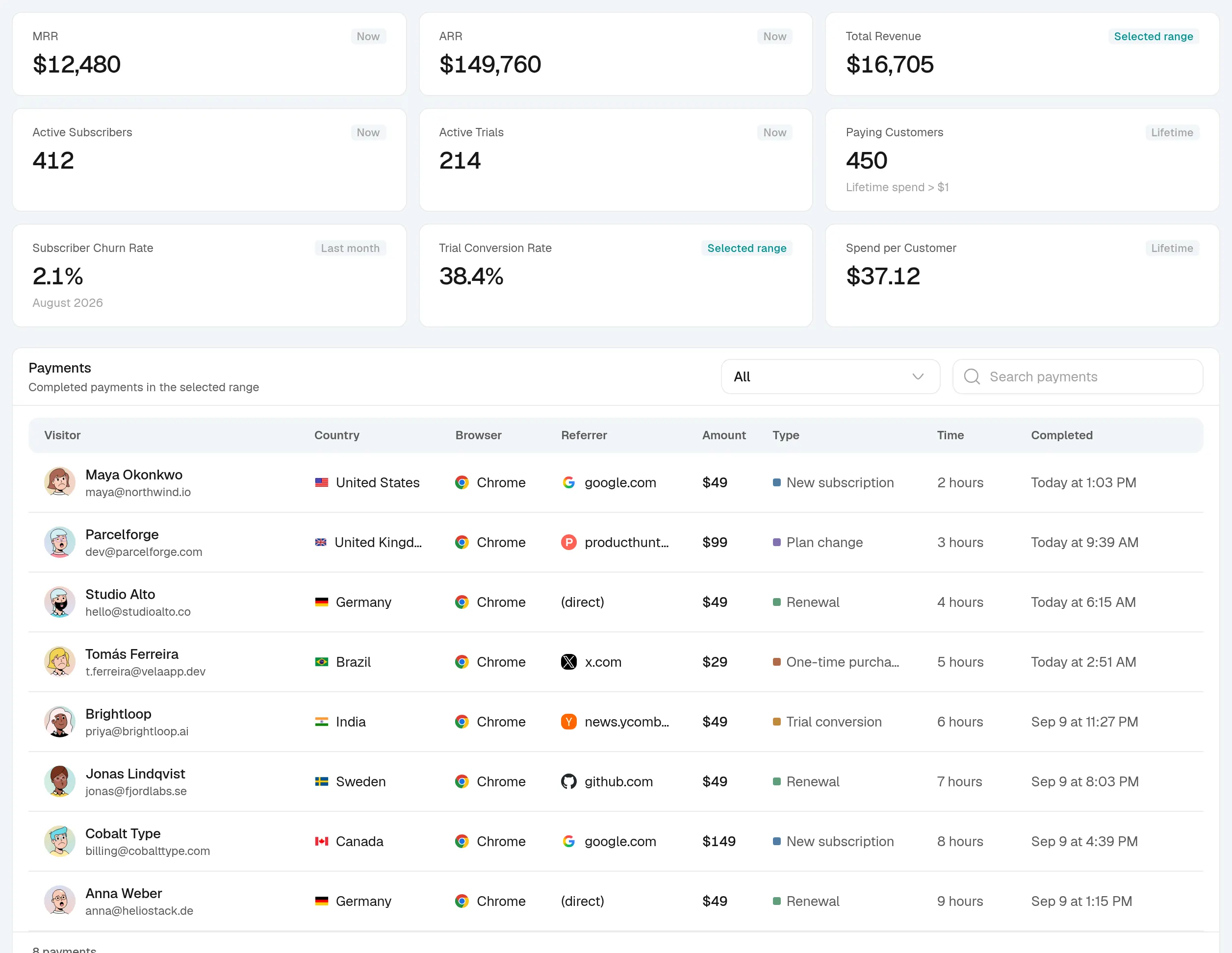
See what turns a visit into recurring revenue
Create an account, paste one snippet, and watch the first visitor land.