Funnels and paths: the route you designed, and the one they took
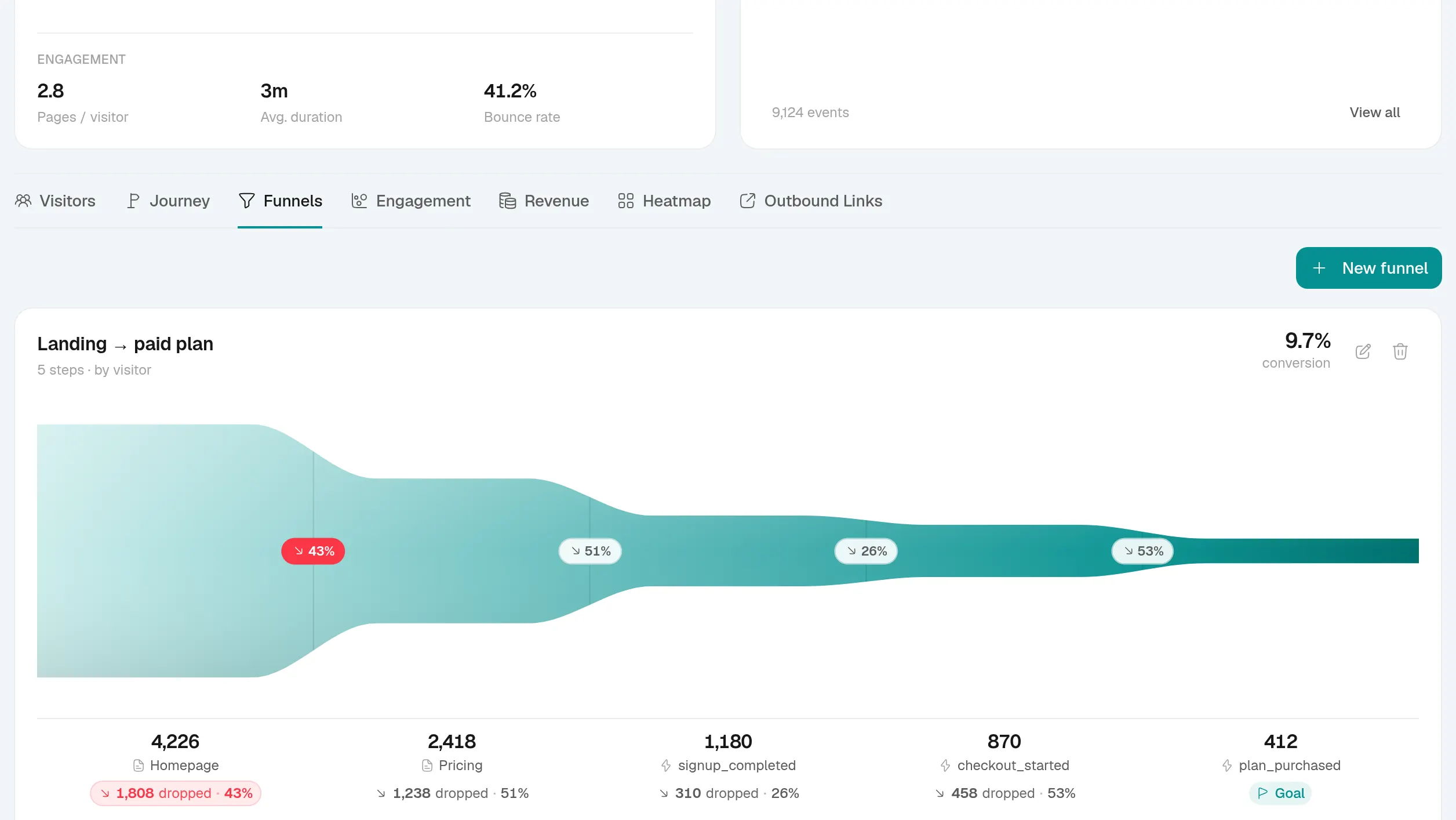
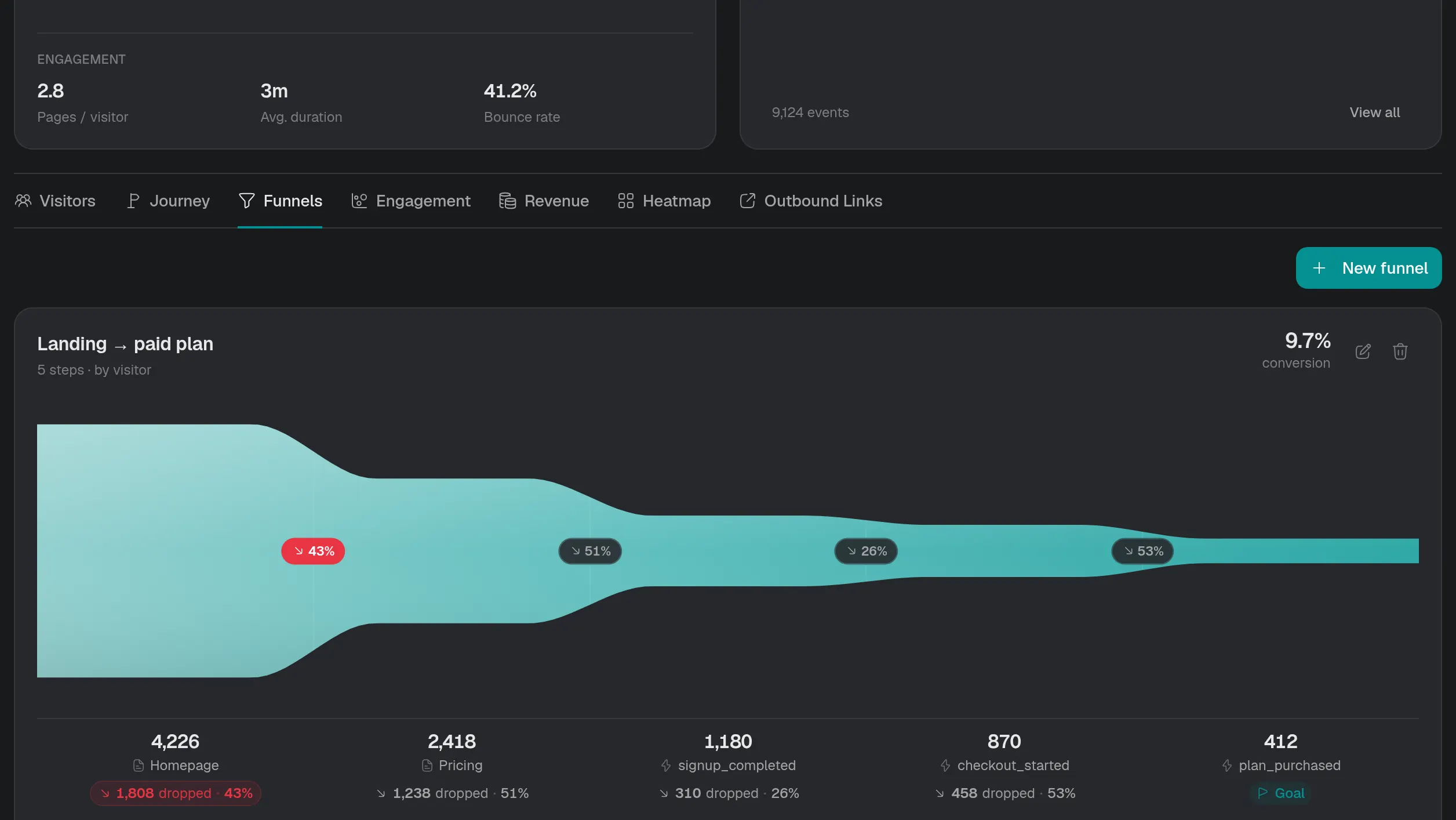
Set the steps a visitor should take, pages or actions, and see how many make it through each one. Drop-off is the area the ribbon gives up, and the paths view shows where people actually went next.
- Entered
- 17.4k
- Converted
- 489
- End to end
- 2.8%
Funnels & paths, in detail
Steps from pages or events
Mix page views and custom events in the order you expect, and read conversion for each step and end to end.
Where they leave
Drop-off between every pair of steps, filterable by source, country and device, so a leak has a cause.
Paths, forwards and back
From any page, see where visitors went next or where they came from before it, as a flow you can follow step by step.
A path becomes a funnel
Found the route people really take? Turn it into a funnel in one click and watch it from then on.
Set it up in 3 steps
- Step 1
Track the actions
Page views come free; add events for sign-ups, checkouts or anything else.
<button data-sa-event="signup">Read the guide - Step 2
Build the funnel
Pick the steps in order on the Overview's Funnels card.
Read the guide - Step 3
Follow the paths
Open Paths from any page to see the routes beside the one you planned.
Read the guide
Funnels & paths, answered
If yours is not here, ask us.
- 01
Can a funnel step be an event instead of a page?
Yes. Steps can be page views or custom events, in any order you set, and a funnel can mix both.
- 02
Can I turn a path into a funnel?
Yes. Follow a path step by step in Paths, then turn it into a funnel and keep watching it.
- 03
Are funnels on every plan?
Yes. Funnels, paths and custom events are part of Core, the smallest plan.
See what turns a visit into recurring revenue
Create an account, paste one snippet, and watch the first visitor land.